Online courses
Your knowledge, as an online course
Create video courses with modules, lessons and resources on a platform that looks like your brand. Students sign in without a password, track their progress and learn at their own pace.

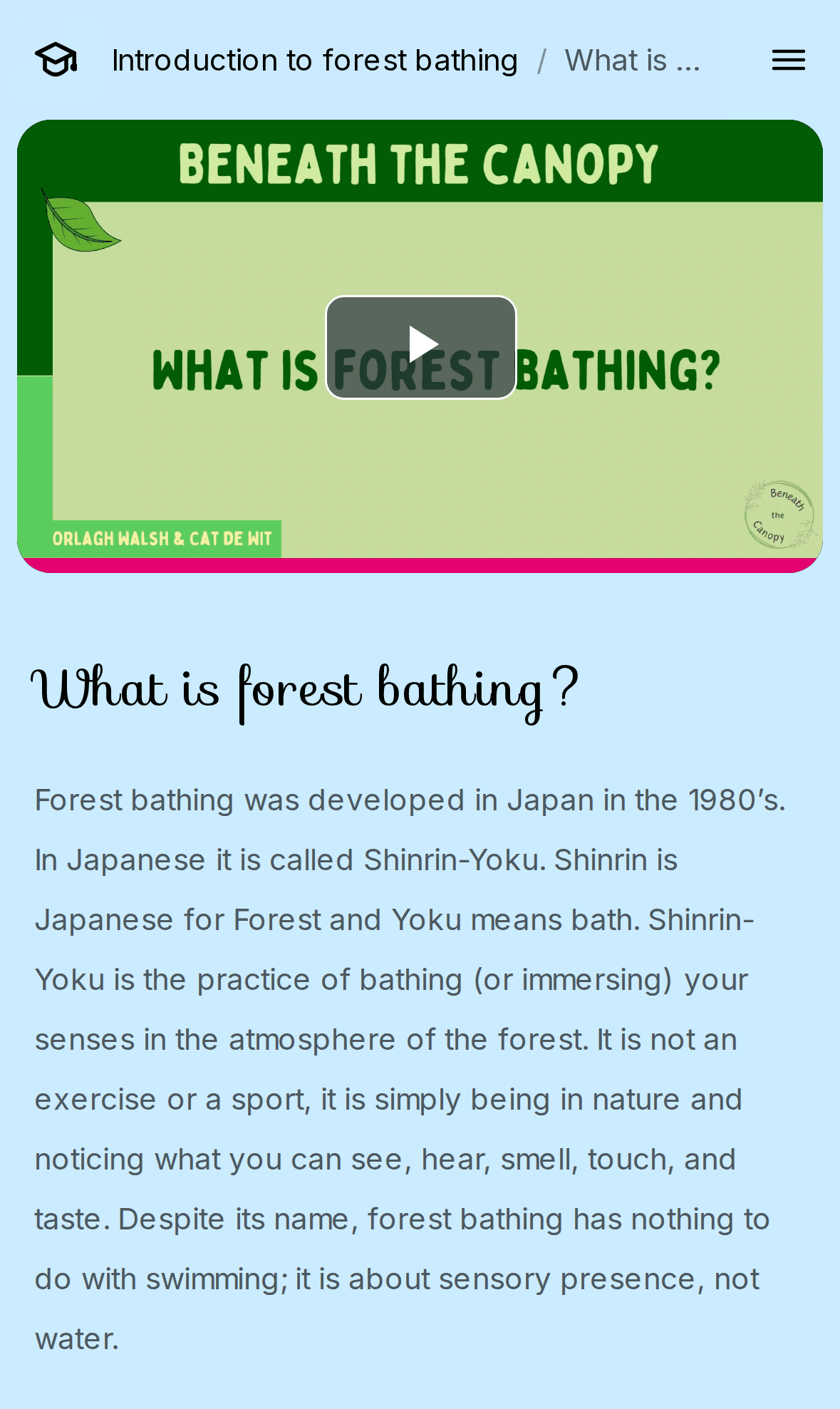
Video lessons
Lessons that play smoothly everywhere
Upload your videos and boreen transcodes them to adaptive streaming automatically. Pair each video with text and images to create lessons that work on any screen.
- Adaptive video streaming (HLS) with quality selection
- Audio files, such as guided meditations, as resources
- Rich text with headings, lists, images and links
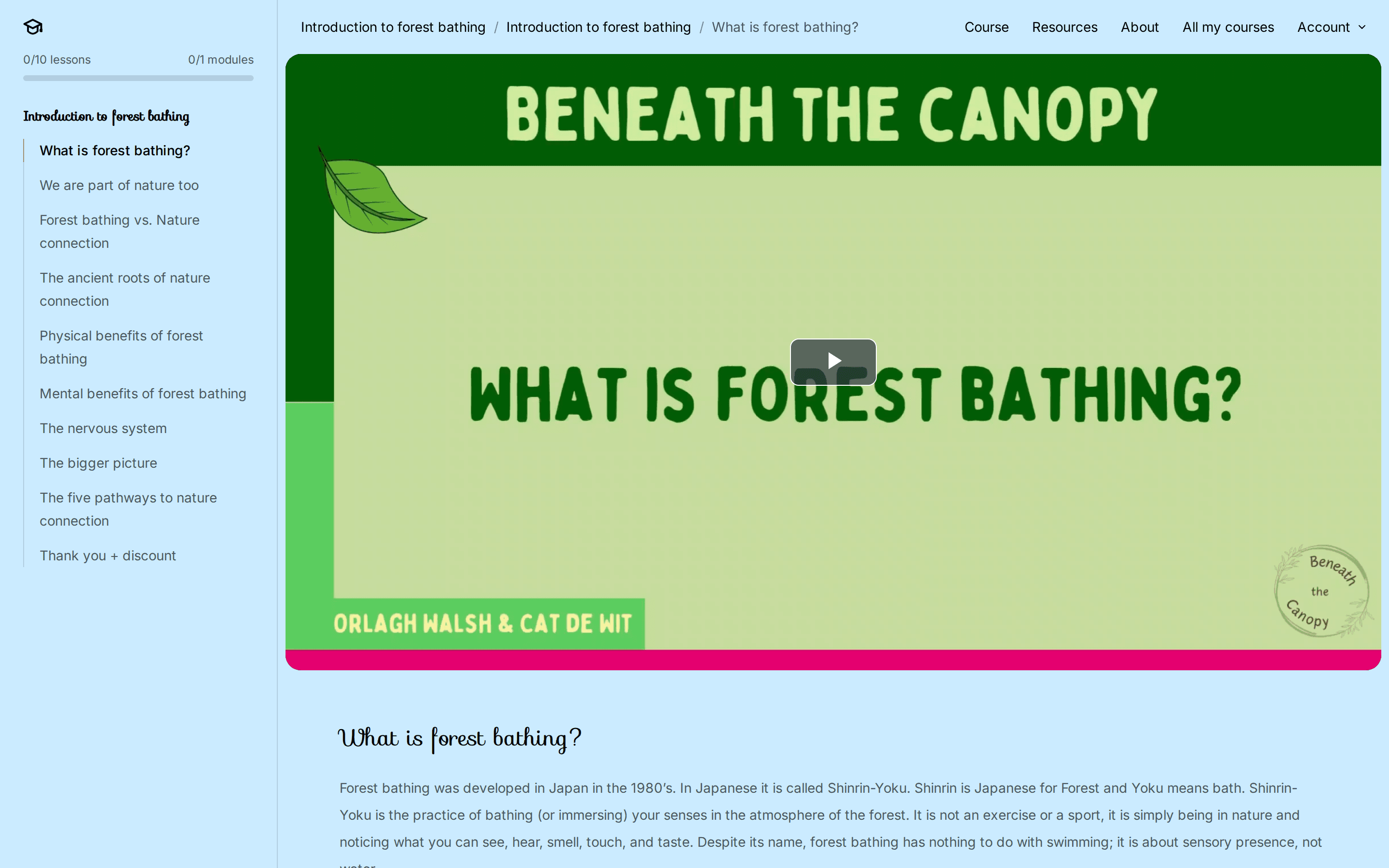
Structure & progress
Modules, progress and assignments
Organise lessons into modules and add questions for students to answer. Students see how far they've come and mark lessons as complete. You review their answers in the backoffice and give feedback.
- Modules and lessons in a clear sidebar
- Progress bar per course
- Questions per lesson or module, reviewed by you
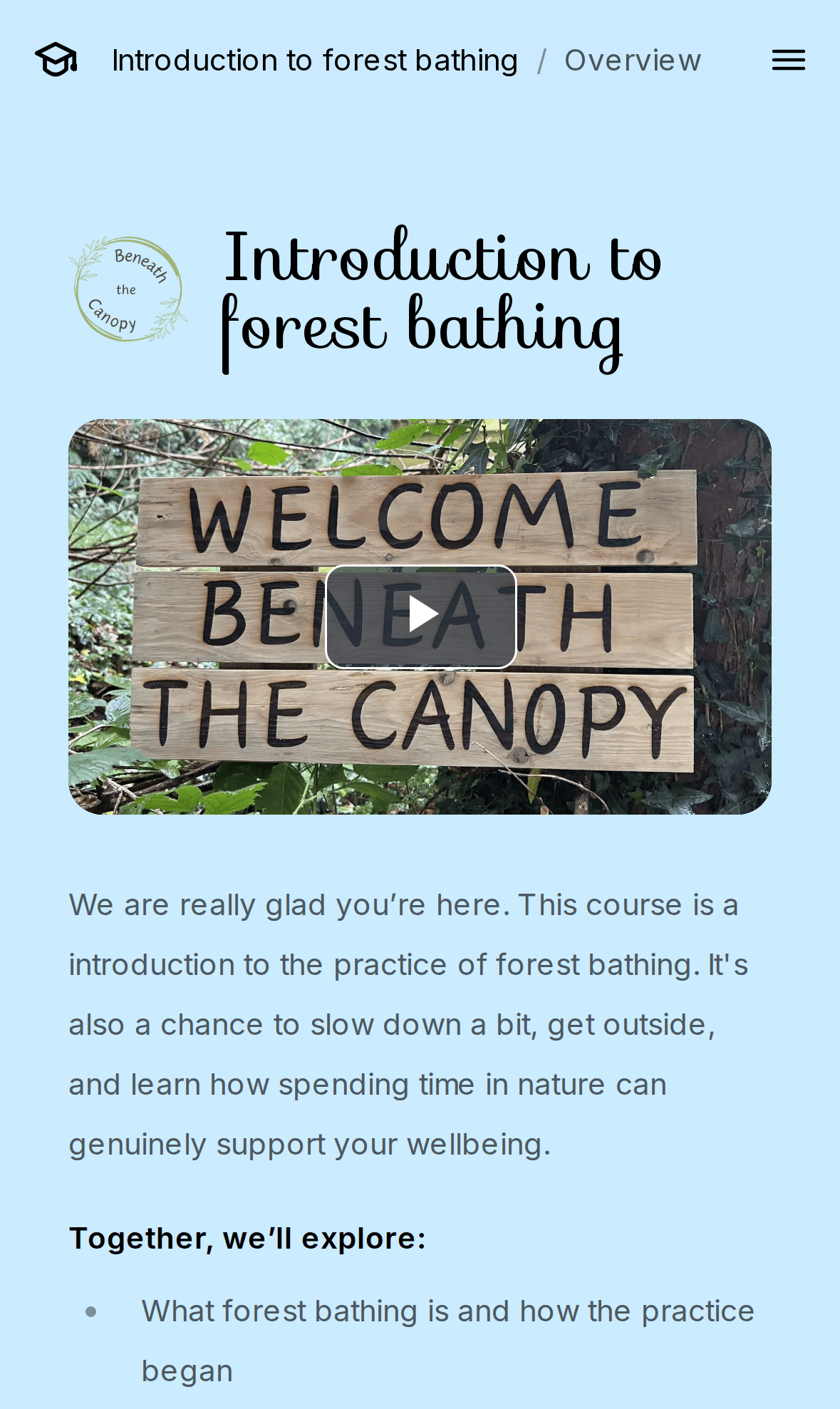
In the backoffice
Build your course in modules and lessons
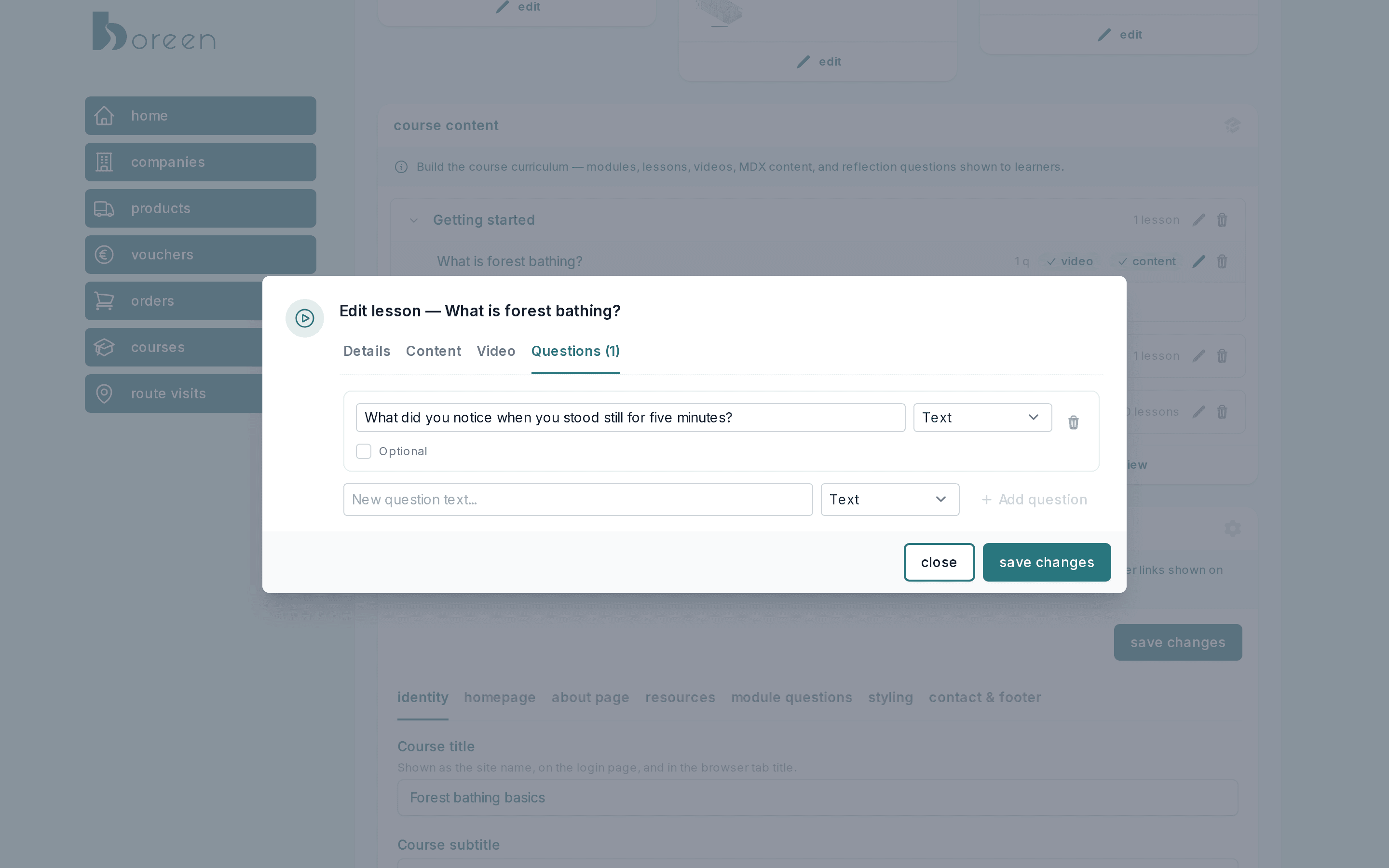
Add modules and lessons, upload a video, write the lesson content and add questions, all from one screen. Preview the course as a student before you publish.
- Modules and lessons you can reorder
- Video, content and questions per lesson at a glance
- Course settings for branding, homepage and resources
Review & feedback
See every answer and give feedback
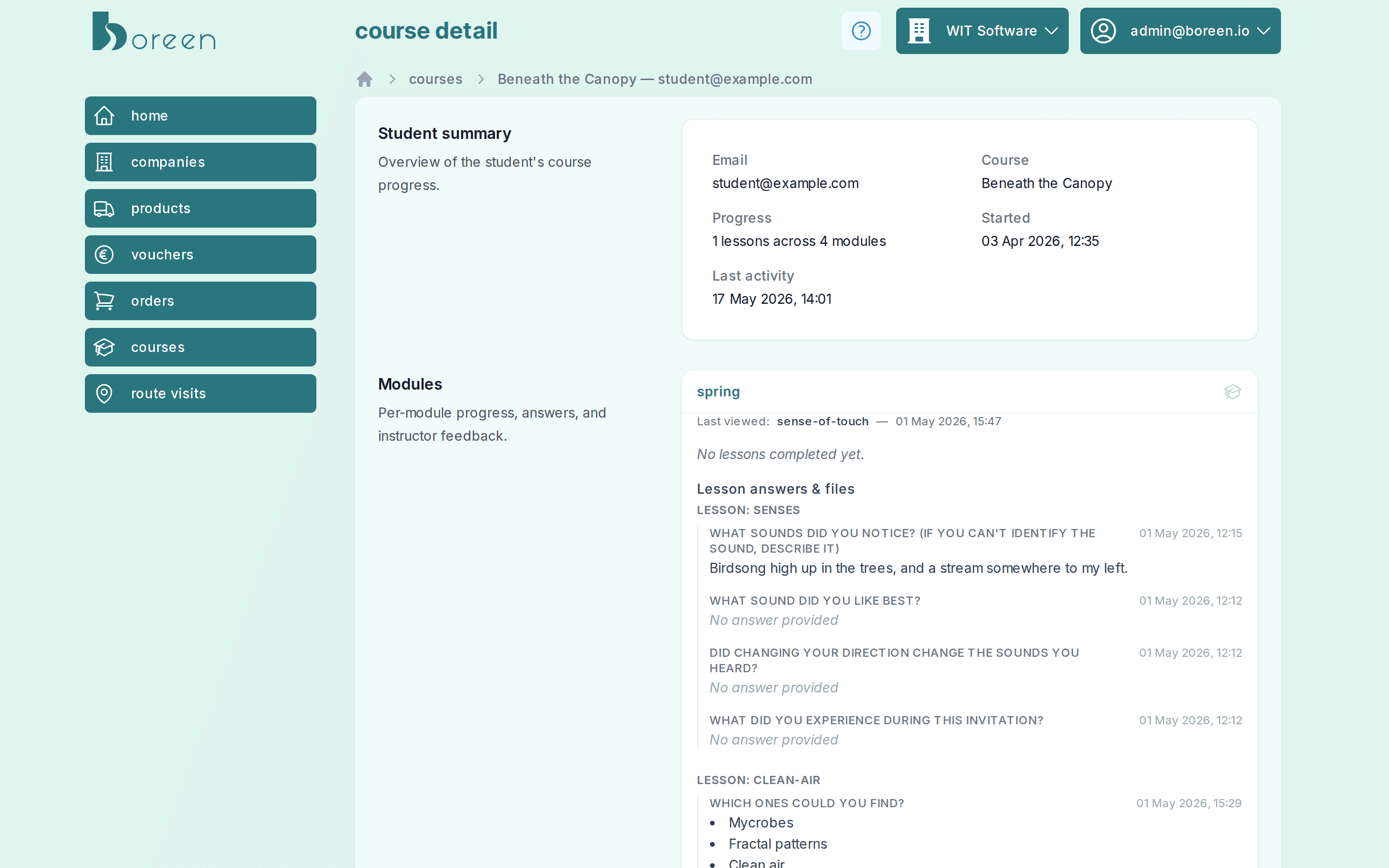
Open a student to see their progress per module, every answer and uploaded file, and write feedback that appears in their course.
- Progress and last activity per student
- Answers and files per lesson and module
- Feedback per module, visible to the student
A complete course platform, out of the box
- Your branding
- Logo, favicon, colours, buttons and fonts, plus a homepage with hero video or image.
- Video & audio
- Lesson videos are transcoded automatically and audio can be shared as resources, so you don't need a separate media host.
- Resources
- Share worksheets, PDFs and other downloads in a resources section.
- Passwordless login
- Students sign in with a one-time code sent to their email address.
- Questions & assignments
- Ask open questions, multiple choice, 1–10 scales or file uploads in any lesson or module.
- Review & feedback
- See each student's progress, answers and files, and give feedback per module.
Built-in shop & checkout
Sell your course without a separate webshop
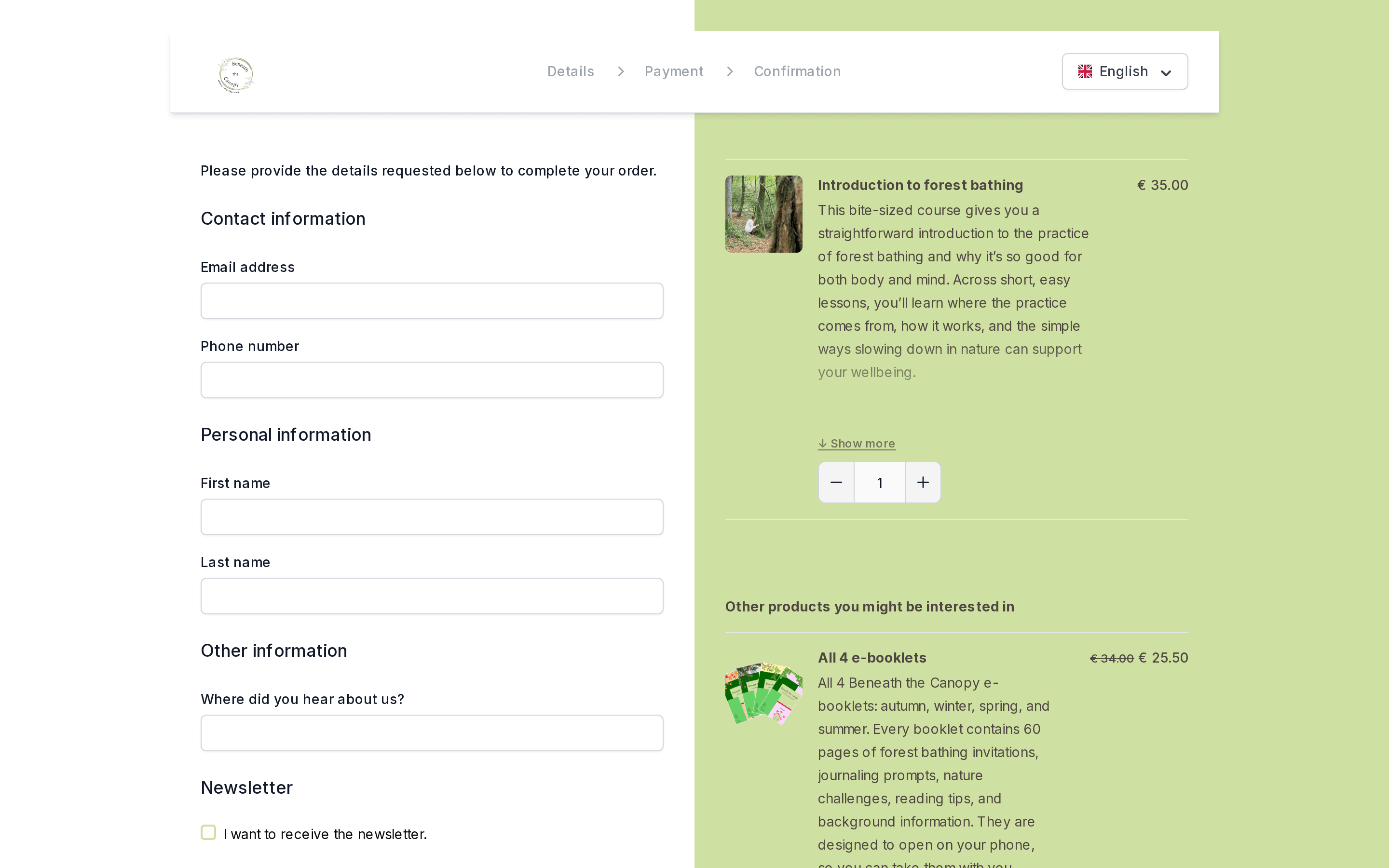
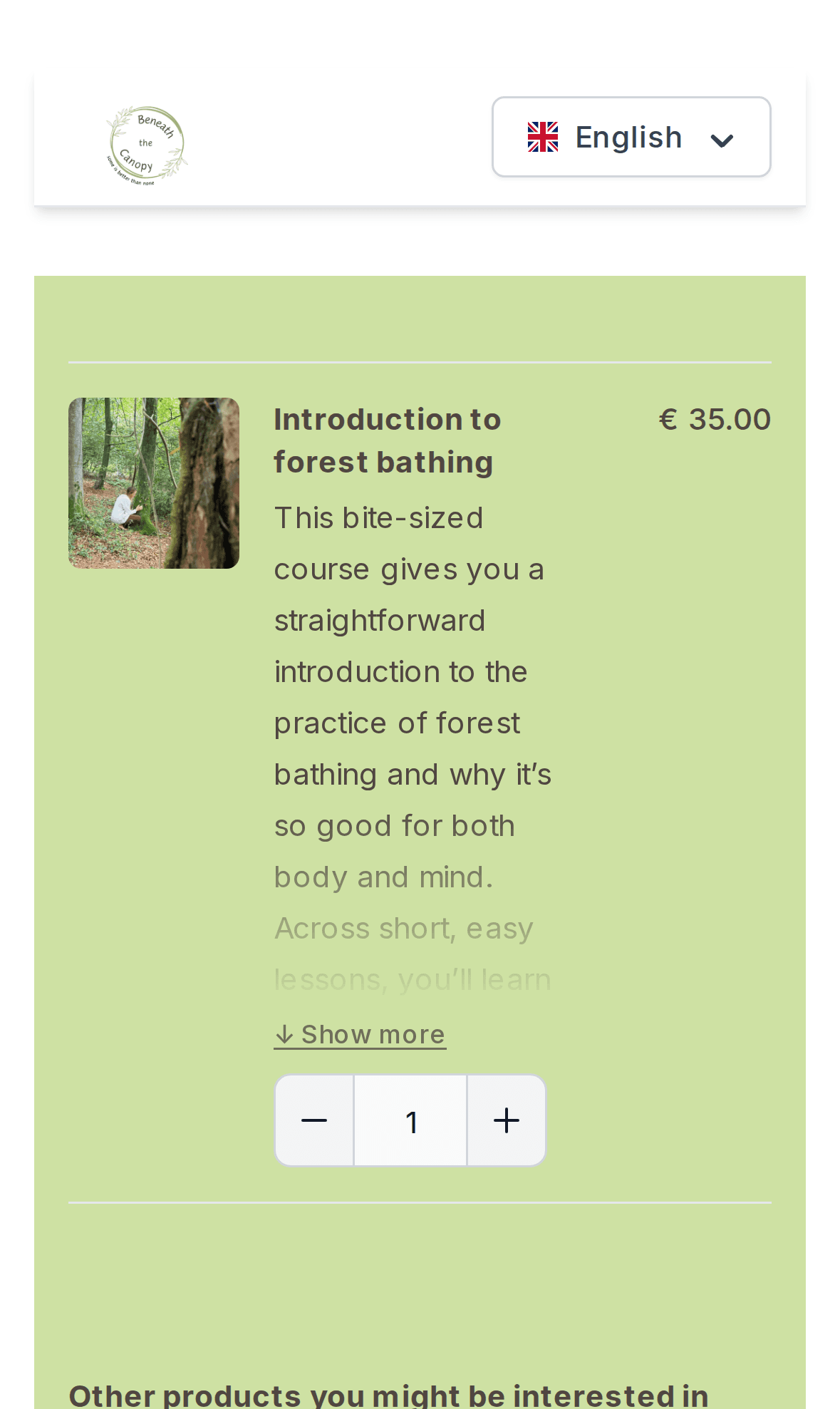
Every course gets a hosted checkout in your branding. Beneath the Canopy sells its forest bathing courses this way, alongside e-books and events.
- One-off purchase with instant course access
- Related products in the checkout to increase order value
- Discount codes and gift vouchers
- Sell courses next to events, tours and digital products
- Stripe & Mollie payments, incl. iDEAL and cards
- Sell and redeem gift vouchers
- Embeddable booking widget for your own website
- Checkout in your own logo and branding
- Custom checkout questions
- Discounts and VAT handled per product
Frequently asked questions
What can I put in a lesson?
Lessons combine video with rich text: headings, lists, images and links. You can add questions to lessons and modules, and offer downloadable resources such as PDFs or audio files for the whole course.
Can students answer questions or hand in assignments?
Yes. Add questions to any lesson or module: open text, single line, multiple choice (optionally with an 'other' option), a 1–10 scale or a file upload. You see each student's answers and files in the backoffice and can give feedback per module, which students then see in their course.
How do students log in?
Students sign in with their email address and a one-time code. There are no passwords to remember. After buying a course they get access to it straight away.
Will the course look like my brand?
Yes. You set your logo, favicon, colours, buttons and fonts, plus a homepage with hero video, an about page and contact details.
How are videos delivered?
Uploaded lesson videos are transcoded automatically to adaptive streaming (HLS), so they play smoothly on any connection, and students can pick a quality.
Can I offer discounts or bundles?
Yes. The built-in checkout supports discount codes, gift vouchers and suggestions for related products, such as e-books or an event, alongside the course.
Turn your expertise into a course
Set up your course platform, upload your first lesson and start selling.